Directory and Resource Administrator Features
Granular delegation
It's easy to ensure everyone can do their jobs by granting them unlimited access to Active Directory and Office 365, right? WRONG! If you care about security, compliance, or saving yourself the headaches of repairing directories after well-intentioned administration, then you need fine-grained delegation. Read more ›
Appropriate views for increased security
Because you can restrict user and administrator views to specific controls, information, and directory objects—you can increase your security and decrease confusion about what users and administrators can actually do. Read more ›
Centralized, secure auditing and reports
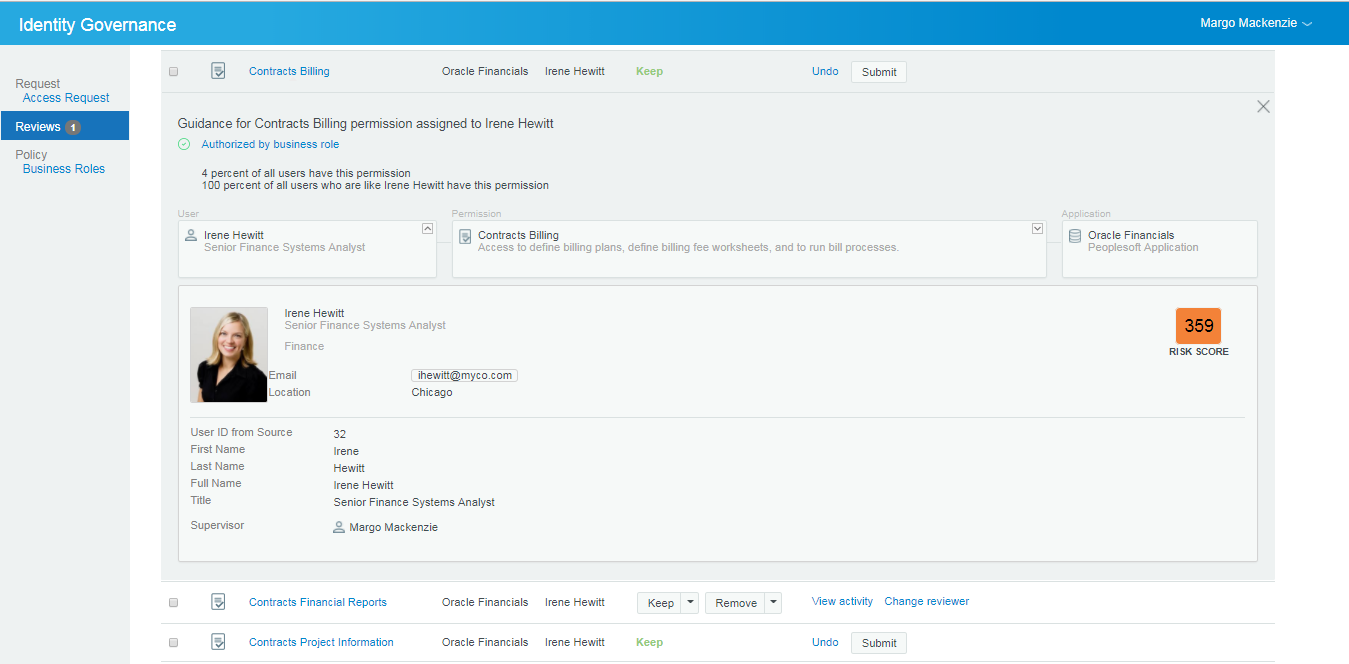
Having a tamper-resistant repository of all administrative activity is essential in today's compliance- and regulation-driven world. Your CEO might want to know how many people have administrative rights or an auditor might need to see who performed certain administrative actions and when. With flexible reporting, you can. Read more ›
Self-administration
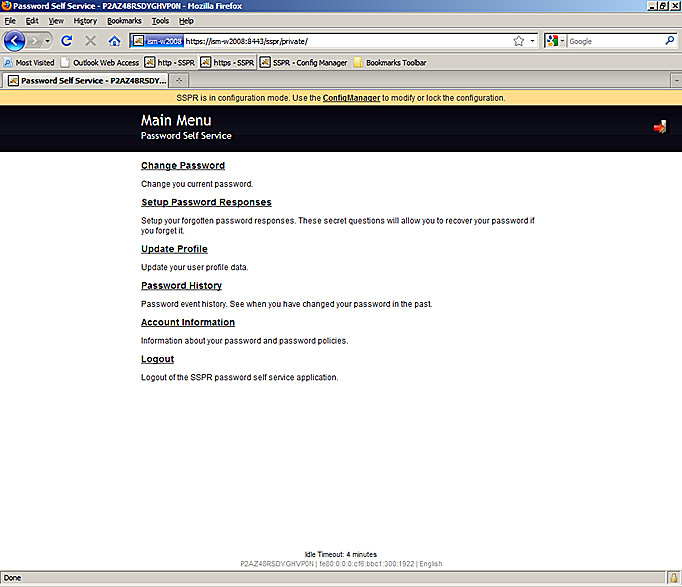
Let's face it—your users should be doing some tasks themselves without the assistance of help desk personnel or IT staff. Resetting their passwords or updating their information in Active Directory and Office 365 should be simple. With Directory and Resource Administrator® combined with NetIQ Self Service Password Reset, it is. Read more ›
Messaging/Collaboration administration
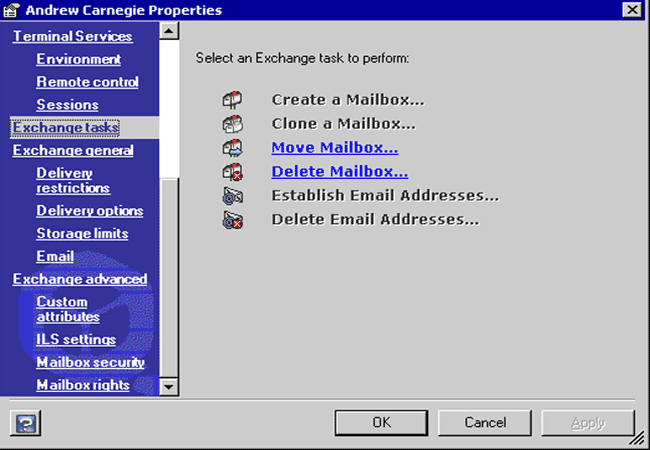
If you are also using Microsoft Exchange or Skype for Business in your enterprise, IT administrators also need safe and secure access to do their jobs. With Exchange Administrator, you can extend the powerful administrative functions of Directory and Resource Administrator to cover Microsoft Exchange. Read more ›
Powerful and secure multi-factor authentication
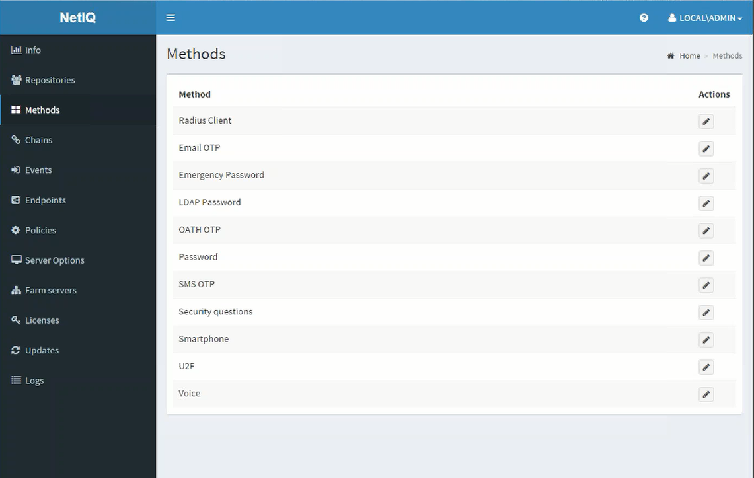
Directory and Resource Administrator relies on NetIQ Advanced Authentication Framework (NAAF) to protect user access by replacing simple user name and password authentication with multiple authentication methods. NAAF knowledge and possession authentication factors ensure that the DRA Web Console user identity is securely established and authenticated before access is granted.
DRA supports PKI Smartcard authentication, and works with NAAF to support nine additional authentication methods:
- Email One Time Password (OTP)
- Emergency Password
- LDAP Password
- Password
- OATH OTP
- Radius Client
- Smartphone
- SMS OTP
- Voice